
My Telenor App Not Logging In? Fix “Number Not Detected” and OTP Problems
You install My Telenor, open it, and nothing happens. Or it asks for your number and the OTP never shows up. Or you get a message saying your number couldn’t be detected. This is one of the most common reasons people miss the daily quiz, and most of the time the app itself is fine. Something on the phone is stopping it from recognising your SIM. Here is how to find out what.
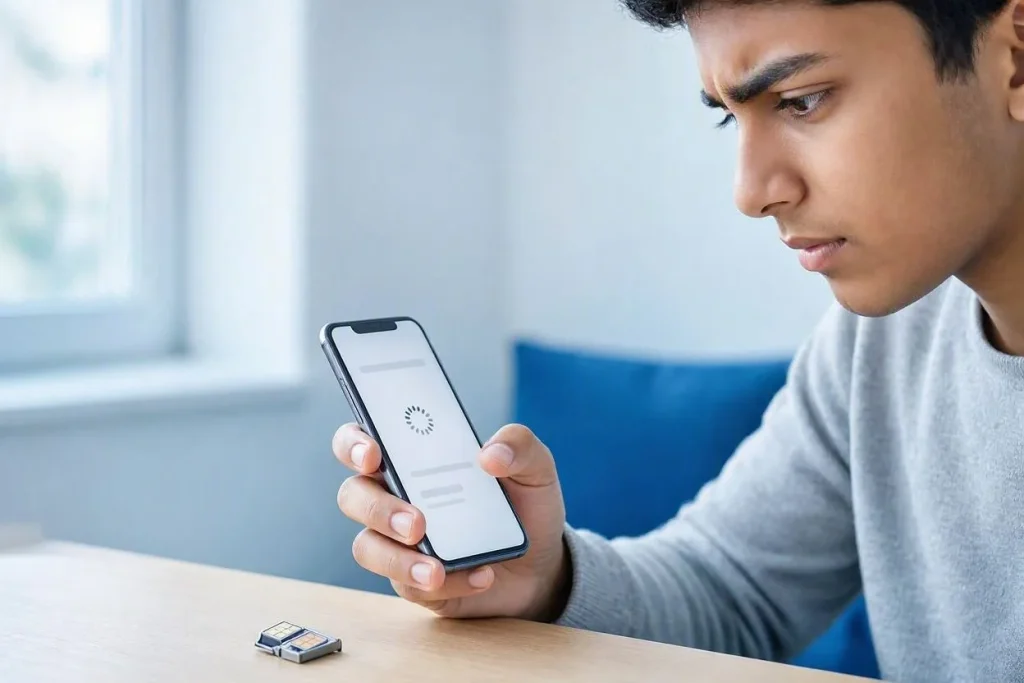
Why does My Telenor say “number not detected”?
On the first login, the app tries to recognise your number through your Telenor mobile connection. If it can’t see that connection, it has nothing to match, and the login stalls. Three things cause this more than any others: you’re on Wi-Fi, your phone is using a different SIM for data, or a VPN is rerouting your traffic. The steps below start with exactly those.
What should I check first?
Go through these in order. Most people are logged in by step three.
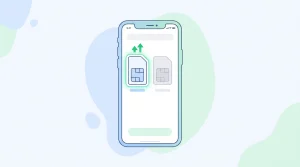
- Turn Wi-Fi off. Do the first login on Telenor mobile data only. Once you’re inside the app, Wi-Fi works normally.
- Confirm the SIM is working. Make a short call or check your signal bars. A SIM with no signal, or one that’s barred, can’t be recognised by any app.
- Set Telenor as your data SIM. On dual-SIM phones, open Settings, go to SIM or Network, and choose the Telenor SIM under Mobile data. This is the step most people miss. If your other SIM is handling data, the app sees a different number or none at all.
- Switch off your VPN. A VPN changes how your connection looks to the app, which can break number recognition.
- Set date and time to automatic. A wrong clock can stop the app from making a secure connection, so it hangs or shows a blank screen.
- Close the app fully and reopen it. Swipe it away from recent apps first, then open it again.
Why is the OTP not arriving?
An OTP is a text message, so anything that blocks or delays SMS will block it too. Check these in order:
- Signal. Weak signal can delay a text by several minutes. Step near a window or go outside for a moment.
- Inbox and filters. A full message inbox or a spam-filter app can hide short-code messages. Clear old messages and look in any blocked or filtered folder.
- Patience before resending. Give the first code about two minutes. Tapping resend again and again can leave you with an older code that no longer works.
- The number itself. Retype it slowly, in the 03XX format, with no spaces.
- A restart. Reboot the phone and try once more.
If the code still doesn’t come, call Telenor’s helpline (345 from a Telenor number) and ask them to check whether text messages are being delivered to your line.
What if the app opens but crashes or freezes?
- Update it. Open the Play Store or App Store and check for a new version. Install only the app published by Telenor Pakistan.
- Clear the cache. On Android, go to Settings, Apps, My Telenor, Storage, and tap Clear cache.
- Free some space. A phone that’s almost out of storage often makes apps crash without any message.
- Reinstall. Uninstall, restart the phone, and install again from the official store. You’ll need to log in again, so keep your number ready.
- Check your phone’s age. On a very old Android or iOS version, the newest app may not run. The store page lists the minimum version.
Is it safe to use a “login fix” APK from a website?
No. The login screen handles your number and your OTP, and a modified app can capture both. Even a file that claims to skip the login step is asking for access to your messages. Stay with the official stores. Any website or chat that asks you to send your OTP is a scam, no matter what it promises in return.
How do I know the problem is solved?
You’ll land on the home screen, your number will appear in your profile, and the Play & Win section will open. From there the daily quiz takes a couple of minutes. If you’d like to check today’s quiz answers, they’re posted on our homepage.
Frequently asked questions
Why does My Telenor need mobile data for the first login?
The app confirms your number through your Telenor connection. After that first login, Wi-Fi works fine.
Can I log in with a non-Telenor SIM?
No. The app is built for Telenor numbers only.
How long should the OTP take?
Usually a few seconds. If nothing arrives after two minutes, check your signal and inbox, then resend once.
Do I have to log in every day?
No. The app normally keeps you signed in until you log out, clear its data, or reinstall it.
Is the My Telenor app free to download?
Yes, from the Google Play Store and the Apple App Store.
Disclaimer: This is an independent website and is not affiliated with or endorsed by Telenor Pakistan. App screens and settings names may change after updates, so use this guide as a starting point and confirm details in the app.
