How to Check Telenor SIM Number: 6 Working Methods (2026)

You slide a new Telenor SIM into your phone and someone asks for your number, and your mind goes blank. Or you’ve used the same SIM for years and never had a reason to memorise it. It happens to almost everyone, and the fix takes about a minute. Below are the ways to check your Telenor SIM number, starting with the quickest, plus what to do when one of them doesn’t work.
What is the fastest way to check my Telenor number?
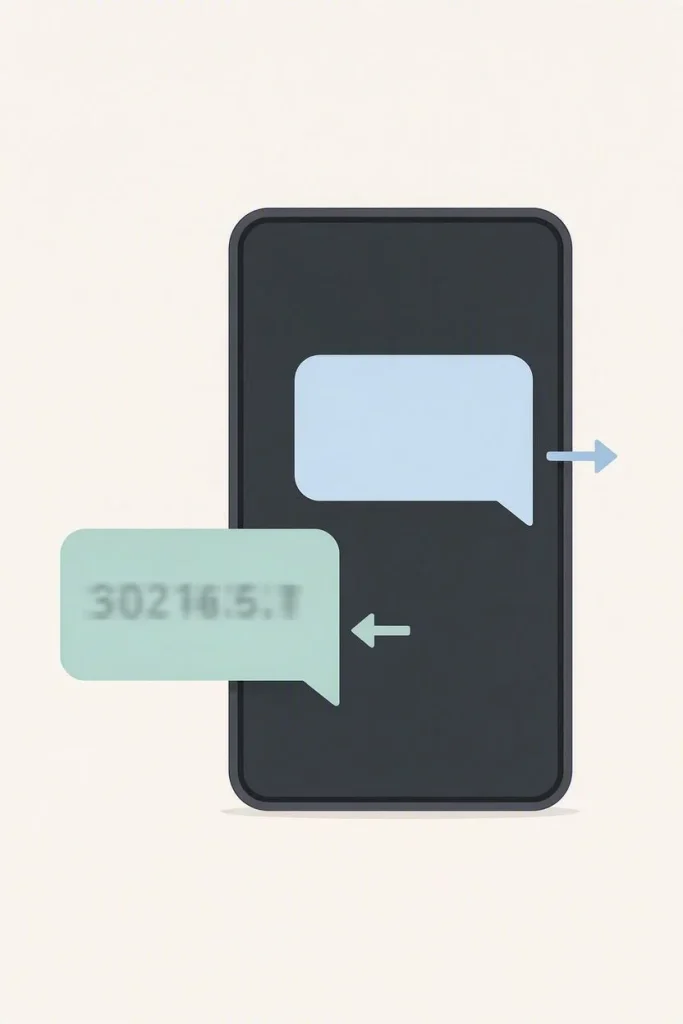
Send an empty SMS to 7421 from the Telenor SIM. A reply arrives within a short time with your number in it. If your phone refuses to send a blank message, type any word, such as INFO, and send that instead. Standard SMS charges may apply, so if your balance is very low, jump to the methods further down.
Is there a Telenor number check code (USSD)?
Yes, but this is where guides on the internet disagree. Some list *8888#, others list *888# or a different short code entirely. Telenor changes its short codes from time to time, so treat this one as a quick try rather than a sure thing. Open the dialer, enter *8888# from your Telenor SIM and press call. If you get an error or nothing appears, don’t waste time on other codes. Use the SMS method above. We keep the codes people report as working on our Telenor Codes page.
Can I check my Telenor number in the My Telenor app?
Yes, and it’s the most reliable option if you already use the app. Install My Telenor from the Google Play Store or Apple App Store, open it and log in. Your number shows on the home screen.
If you haven’t logged in before, do the first login on Telenor mobile data, not Wi-Fi, because the app recognises the SIM through that connection. If it gets stuck, our guide on My Telenor login and OTP problems walks through the usual causes. Once you’re in, the same app is where the daily quiz lives, and you can find today’s My Telenor quiz answers on our homepage.
How can I find my Telenor number with zero balance?
Running out of credit doesn’t leave you stuck. Try these:
- Give a friend a missed call from the SIM. Their phone shows your number, and a missed call costs nothing to make.
- Open the My Telenor app, if you’re already logged in and have data or Wi-Fi.
- Call 7421 from the SIM. Some guides say a call works the same way as the SMS, with the number sent back to you as a text.
- Check the phone itself. On Android, look under Settings, About phone, SIM status. On iPhone, look under Settings, Phone, My Number. Be ready for this to show up blank. Many SIMs don’t store their own number, so an empty field doesn’t mean anything is wrong.
How do I check my Telenor number by calling the helpline?
Dial 345 from your Telenor SIM and follow the voice menu until you reach a representative. Ask them for your number. They usually verify you first, so keep your name and CNIC ready, and the long number printed on the SIM card itself, in case they ask for it. This is the best route when the SMS doesn’t arrive and the app won’t open.
How can I see every SIM registered on my CNIC?
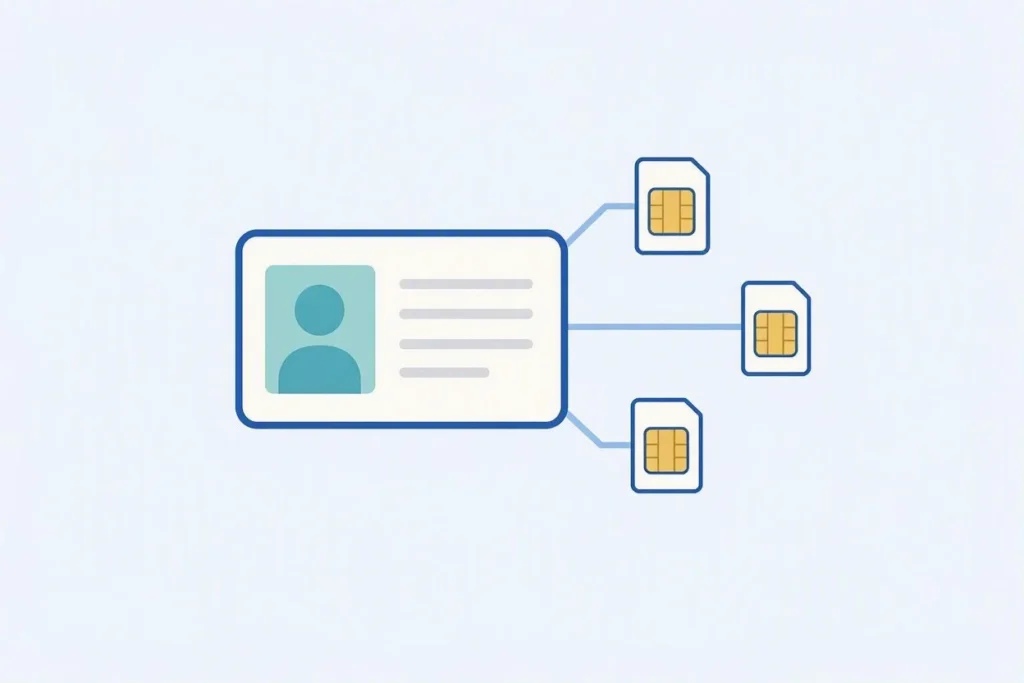
If you can’t remember which number is yours, or you lost a SIM, this method shows all the numbers linked to your identity card. Visit the PTA SIM information system at cnic.sims.pk, type your CNIC without dashes and submit. You’ll see a list of numbers registered against it, including any Telenor ones. You can also text your CNIC to 668 if you don’t have internet.
A note on privacy: this shows numbers registered on your own CNIC. It isn’t a tool for looking up who owns someone else’s number, and we don’t cover that. Enter your CNIC only on the official PTA page, never on a random website, and never share an OTP with anyone.
Which method should I choose?
| Method | What you need | Best when |
|---|---|---|
| SMS to 7421 | A working Telenor SIM | You want the quickest answer |
| USSD code | Only the dialer | You want to try one quick shortcut |
| My Telenor app | Login and data | You use the app anyway |
| Missed call to a friend | A friend’s number | Balance is zero |
| Helpline 345 | Name and CNIC | Everything else failed |
| PTA SIM information | Your CNIC | You’ve lost track of which SIM is yours |
What if none of these methods work?
Start with the basics. Check that the SIM is seated properly and that you have signal, because an SIM with no network can’t send or receive anything. If the SIM has been inactive for a long time or is blocked, USSD, SMS and the app won’t respond. In that case, take your CNIC to a Telenor franchise or service center and ask them to check the number and reactivate the SIM if needed. If you’re abroad, the My Telenor app with internet access is the simplest route.
Frequently asked questions
How do I check my Telenor SIM number?
Send an empty SMS to 7421 from your Telenor SIM. The reply contains your number. If that fails, use the My Telenor app or call the 345 helpline.
What is the Telenor number check code?
Some websites list *8888# or similar codes, but they aren’t consistent across sources and can change. If the code gives an error, the SMS method to 7421 is the safer choice.
How can I check my Telenor number without balance?
Give a friend a missed call so they can read your number, open the My Telenor app if you’re logged in, or call 345 for help.
Why is my number blank in my phone’s settings?
Many SIMs don’t store their own number, so Android and iPhone often show an empty field. It’s normal and doesn’t mean the SIM is faulty.
Can I find out who owns a Telenor number?
Not through this guide. The PTA system only shows the SIMs registered on your own CNIC.
Is the My Telenor app free?
Yes. Download it from the Google Play Store or Apple App Store.
Disclaimer: This website is independent and is not affiliated with or endorsed by Telenor Pakistan. Short codes, helpline procedures and app screens can change, so confirm details with Telenor before relying on them.